


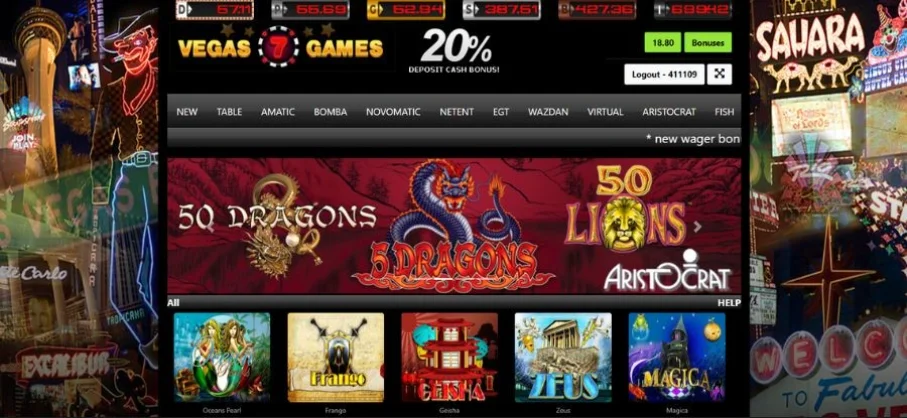
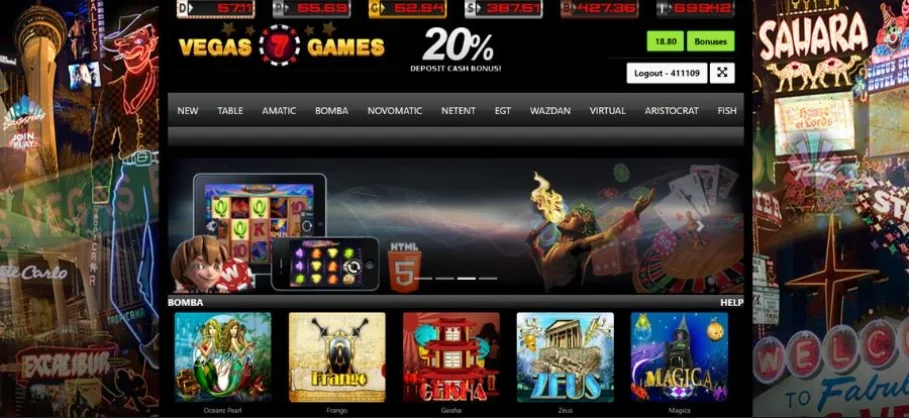
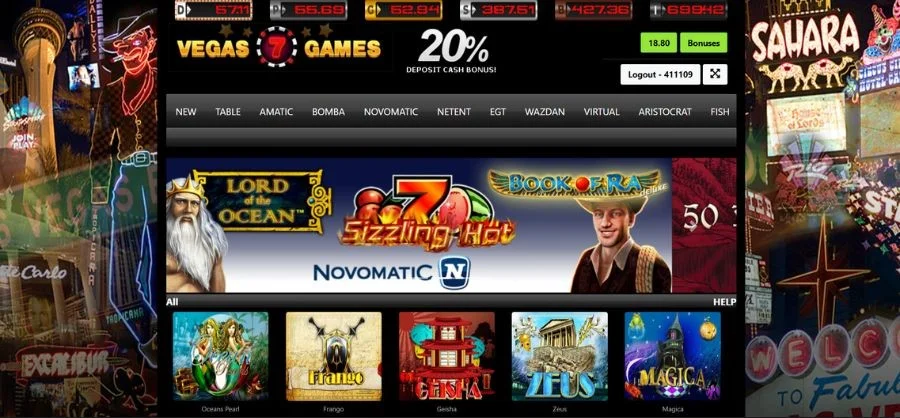
The Vegas7 app is an online casino platform that gives you access to an exciting game library with over 270 interactive games. You can get the app on BitOfGold. Contact customer support to request a download link for the App.
Download & Install (Android APK + iOS Web App)
You can access the Vegas7 app APK through the BitOfGold platform. Just go to the online casino page on the website to get started. This blog post covers what you need to know about downloading, installing, and playing on the gaming platform.
Is There an Official App Right Now?
Always check the Google Play Store or other official app stores before downloading any APK.
If the app is listed, then it’s always best to download it from official stores. If it isn’t listed on official stores, use the mobile browser version or a progressive web app version. This is to avoid downloading malicious files.
However, you can get the Vegas7 app from the BitOfGold website.
Android - Safe APK Setup
This section covers how to safely set up the app APK on your Android device.
Safe Download Checklist
Do not download any APK online without doing all of the following:
-
Verify the source/domain before downloading to ensure the website has an SSL certificate.
-
Do not download modded or cracked APK files, as they often contain hidden permissions.
-
Run the file through an anti-virus scan before installing.
-
Read recent user feedback on the APK file source to confirm that it works and is safe.
Step-by-Step Install (Android 11–14)
The Vegas7 APK only works on Android devices v11-14. Here’s how to install it:

-
Go to the BitOfGold website to download the APK file
-
In your device's security/privacy settings, enable the option to install apps from unknown sources.
-
Go to your downloads folder and click on the file to start installing the app
-
Follow the onscreen instructions to install the app.
-
Go back to your security/privacy settings to revoke the permission to install from unknown sources.
-
Open the app after installing to register.
Updates & Permissions
Since you didn’t download from official app stores, most APK apps do not automatically update to the new version. So, you’ll need to check the source site periodically for the latest versions.
If you want to update the app, you’ll download the new version from the source website and delete the old one after installation is complete. Some devices might ask you to delete the old one before installing the new one.
.
Typical permissions that you’ll need to grant include storage and network access. Additional permissions depend on your device OS.
iPhone/iOS - Best Option (PWA)
The best option for iOS users is to get the Vegas7 progressive web app. This mimics the app download by adding the icon to your screen.
Here’s how to do that:
Add to Home Screen
-
Go to your Safari browser and visit the BitOfGold website.
-
Once you’re on the game page, tap the share icon at the bottom of your screen.
-
Scroll down and select the Add to Home Screen option.
-
Name the shortcut and tap Add.
The PWA version removed the risk of downloading from third-party sources.
TestFlight/Enterprise Links (If Offered)

Some game developers ask players to use the beta version as part of their test flight process. Always check the signature before installing the apps.
Do not open the file if the source doesn’t provide a signed certificate or clear instructions about it. Instead, use the PWA option if you’re unsure whether the app is secure.
Login, Account Access & Promos
Create an Account (Operator/Agent Path)
Vegas7 uses a distributor model. The model allows players to create an account through an agent or game operator, such as BitOfGold, rather than through the app.
These operators/agents collect the player’s username, password, and email. They create your account on their server and grant access to the game app. It also means your login credentials are not stored on a centralized Vegas7 database.
Login Flow & Tips
Make sure to use the exact URL the operator/agent sends you. One typing error can send you to a phishing site, so it's better to copy and paste the link sent.
Set up 2FA once you’ve created your account. This provides an additional security layer on the account. Also, make sure to clear your browser cache and cookies if you can’t log in.
If your operator doesn’t allow VPN use, doing so can trigger security flags or geo notes. So, make sure to disable VPNs before accessing the game platform.
Free Credits & Bonuses (What to Expect)
Credit and bonus offers vary depending on your agent and the time you sign up on their platform. So make sure you check their terms and conditions on wagering and withdrawals before you sign up for their platform. Also, keep screenshots of the T&Cs for future reference.
When you register on BitOfGold, you’ll get no deposit credits and bonuses to start gaming immediately. You can also get a daily bonus and other exciting offers for extended game time. More information is on the promotions page.
Banking Basics
You can make deposits using cryptocurrencies like BTC and DOGE. You can also make payments on the platform using Cash App.
You’ll be asked to confirm your identity before you can withdraw on the Vegas7 app. To do this, you’ll need to take a photo of your government-issued ID or a recent utility bill showing your address.
Payouts are typically fast after you’ve confirmed the transaction. You can expect payments within 24 hours of withdrawal, depending on your preferred receiving method.
Fixes, Updates & Safety (Keep Your Account Secure)
Quick Fixes (60-Second Checklist)
Here’s how to fix some common issues you might experience while using the Vegas7 mobile app.
APK Won’t Install
Some of the reasons the app won't install:
-
Outdated/incompatible OS
-
Play protect block
-
Corrupted file
-
Low storage
How to fix these issues:
-
Upgrade device OS to the latest version
-
Temporarily disable Play Protect. Go to your security settings and click on Google Play Protect to disable it.
-
Delete the app and redownload from a verified source.
-
Free up at least 200 MB of space and retry.
Games Buffer/Crash
If the app keeps crashing or the game is buffering, the first step is to clear the app cache under the app settings. Here’s how: Settings > Apps > Vegas7 > Storage > Clear Cache.
If that doesn’t work, then you might be experiencing network connection issues. Switch your network to confirm.
Another quick fix is to enable WebGL in your browser settings because most slot games require hardware acceleration.
If the issue persists, you should try another browser engine.
Payments/Withdrawals Stuck
Contact your operator through their verified support channel for resolution. You’ll see it on their support page on their website. Do not message random social media handles.
You will be asked to verify your identity. So, make sure you have a government-issued ID ready.
Lastly, keep all chat and email logs, as you might need them in the future.
Safety & Legitimacy Essentials
Red Flags
Some red flags to look out for when using an operator site:
-
The platform URL doesn’t have “https:” or a lock icon. It means information exchange is not secure.
-
There are no company details or licensing information on the website.
-
No email or live chat support. Only provides DM support.
-
Doesn’t allow deposit reversal.
-
Makes unrealistic claims and promises overhyped rewards.
Data & Payment Hygiene
Follow these best practices to keep your information safe:
-
Use a unique email and password for the platform.
-
Create a strong password that has special symbols, numbers, and upper-case letters.
-
Set up 2-Factor Authentication.
-
Use a separate wallet and never share the wallet’s seed/keys.
Responsible Play
Always practice responsible play, like setting a budget or time limit. If you spend a lot of time gaming, you can also set up self-exclusion to lock you out of the app for a fixed period.
If you’re having trouble controlling your gaming, you can use verified gaming support channels.
Conclusion
Luckily, BitOfGold offers several casino platforms. When you register on BitOfGold, you get access to 25+ other games on a single platform.
Making deposits and switching between casinos has never been easier. Sign up on BitOfGold now!